



Spinogambino Mobile Platform
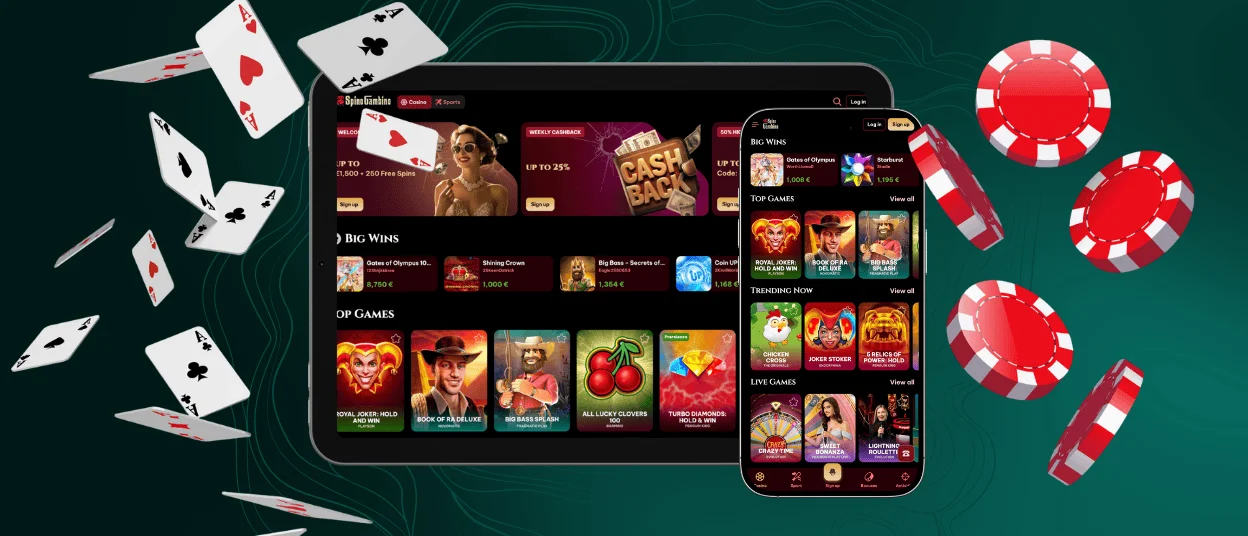
We engineered the Spinogambino app to run as a fast, browser-based shortcut that loads our full casino lobby in less time than it takes to unlock your screen. It gives you immediate access to thousands of real-money slots, live dealer tables, and instant cashier payouts wherever you happen to be.



PWA Engine
Traditional app stores make the real-money gaming experience complicated with regional blocks, sudden app removals, and manual updates. We built our mobile casino on Progressive Web App (PWA) technology so you can bypass all of those problems entirely. A Spinogambino Casino PWA behaves just like a native smartphone application, but it operates directly through your phone’s existing web browser like Safari or Chrome.
Why PWA Setup Beats a Standard Download
Skipping the app store brings several immediate technical advantages to your daily gaming routine:
- Tiny storage footprint. Standard casino apps hog between 100 MB and 500 MB of phone memory, but our Spino Gambino app uses less than 5 MB of space.
- Invisible background updates. You won’t face pop-ups forcing you to download an update before playing because the software updates quietly in the background whenever you launch it.
- Instant access to new features. Seasonal promotions, security patches, and new slot releases go live on your launcher the moment our Spinogambino development team publishes them.
Spinogambino Casino App Touchscreens Features
Tapping on a glass screen requires a completely different design approach than clicking a mouse button. We redesigned our touch interface in the Spinogambino app so you never misclick a bet size or miss a critical button.
- Gesture-driven controls. Fast-paced games like Aviator or Plinko demand split-second timing. Our mobile interface features enlarged hitboxes and places the cashout button directly under your thumb to prevent accidental taps when cash is on the line.
- Call recovery system. Getting a phone call midway through a winning streak can be nerve-wracking. The Spino Gambino Casino game server tracks your exact game state in real time, meaning if an incoming call interrupts your session, your active wager resolves safely on our server, and your balance updates automatically.
Mobile Session Performance
Understanding your device’s data and battery usage helps you plan longer gaming sessions at Spinogambino Casino while away from home.
| Game Category | Hourly Data Used | Battery Impact | Recommended Setup |
| Classic Online Slots | ~15 MB per hour | Low, around 3–5% drop | Dark mode and lower screen brightness |
| Crash / Instant Games | ~25 MB per hour | Moderate, around 5–8% drop | Stable 4G / 5G connection |
| HD Live Casino Streams | ~150 MB per hour | High, around 12–15% drop | Wi-Fi connection and power supply |
Simple Spinogambino App Setup for Every Device
Getting the Spino Gambino platform onto your screen takes less than half a minute, no matter what operating system or hardware you carry.
How to Install on Android
Setting up your launcher on Android requires just a couple of quick taps inside your mobile web browser.
- Open Google Chrome on your Android smartphone or tablet and navigate to our main homepage.
- Tap the three vertical dots in the top-right corner of your browser screen to open the options menu.
- Select “Add to Home screen” (or “Install app”) from the drop-down list and tap “Add” to confirm.
- Look at your phone’s home screen or app drawer to find your new Spinogambino app icon.
How to Install on iOS
Apple devices can create a direct launcher shortcut in a few easy steps through Safari.
- Open Safari on your iPhone or iPad and go to our main Spinogambino Casino website.
- Click the square icon with the up arrow in the middle of the bottom left corner of your screen.
- Scroll down the menu options and tap “Add to Home Screen.”
- Tap “Add” in the upper-right corner to place the app icon directly onto your iOS home screen.
How to Install on Computer
Desktop users can also install a clean, standalone Spino Gambino app window.
- Open Google Chrome, Microsoft Edge, or Brave on your PC or Mac and load our site.
- Click the small desktop monitor icon with a down arrow located on the right side of your browser address bar.
- Select “Install” when the pop-up prompt appears on your screen.
- Enjoy an application window that opens straight from your computer taskbar or desktop shortcut.
If you have any questions about the Spinogambino app installation, our support team is always available via live chat.
Spino Gambino Casino Mobile vs. PC
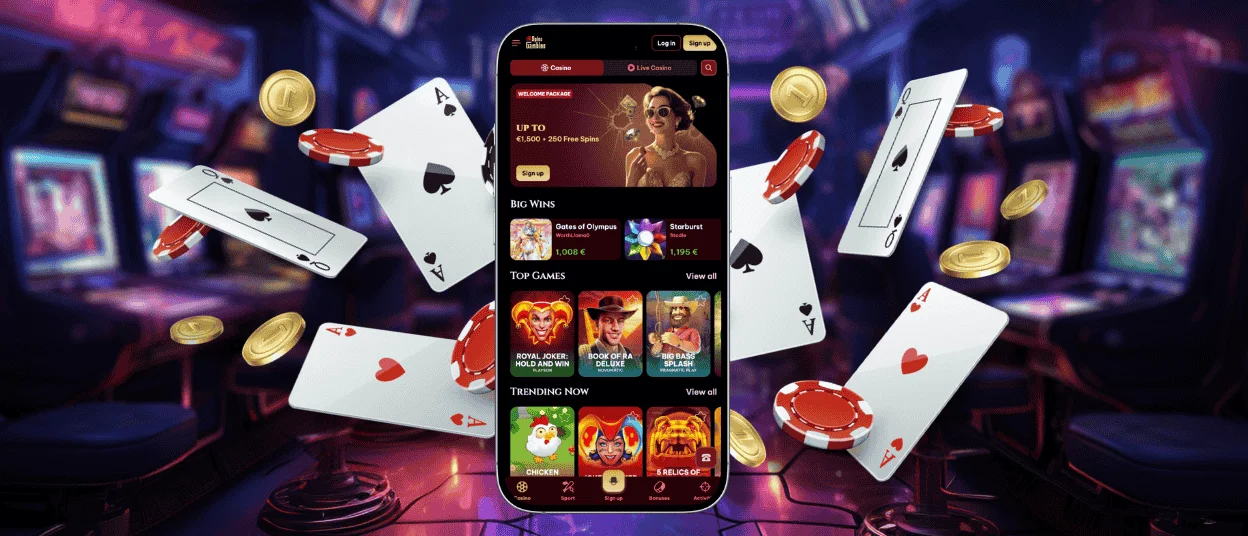
We know players hold different preferences when choosing where to spin or place card wagers. Here are different scenarios.
| Scenario | Mobile App Experience | PC Desktop Experience | Winner |
| Quick Commute Play | One-tap launch from your pocket; touch controls are built for instant-win titles | Requires sitting down, turning on the device, and opening the website in a browser | Mobile |
| Multi-Table Live Games | Single stream view; switching tabs may be needed to follow another table | Larger screen space makes it easier to watch several live streams side by side | Desktop |
| Account Security & Logins | Biometric entry with Face ID or Touch ID can take just a few seconds | Usually requires typing a password or entering a 2FA code from your phone | Mobile |
| Verification Process | Documents can be photographed and uploaded from the same phone, which makes ID and address checks quicker | Easier for reviewing details on a larger screen, but files often need to be transferred from mobile first | Mobile |
| Deep Slot Marathons | Portable and convenient, though bright graphics and streams can drain battery over time | Unlimited power supply, larger speakers, and better cooling suit longer sessions | Desktop |
FAQ
Will I miss out on any games if I play exclusively on my phone?
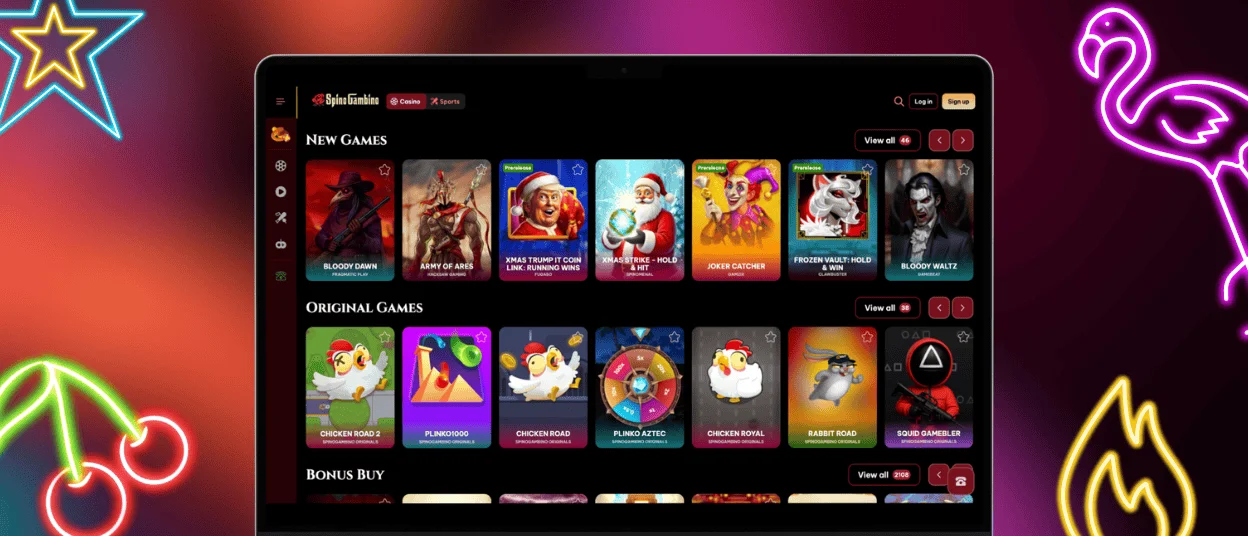
Not at all. Our entire lobby of over 5,000 slots, table games, crash titles, and live dealer streams is optimized for touchscreens. You will find every game available on PC in the Spinogambino app.
Do I need to register a second account for the Spinogambino app?
No. You use the exact same email and password across all devices. Your balance, bonus progress, loyalty points, and Spino Gambino profile settings sync automatically across mobile and desktop views.
Is the mobile app safe to use on public Wi-Fi networks?
Yes. The Spinogambino Casino PWA uses TLS 1.3 encryption to scramble all data sent between your device and our servers. However, we always recommend avoiding unverified public Wi-Fi hotspots when handling banking transactions.


